Table of Contents
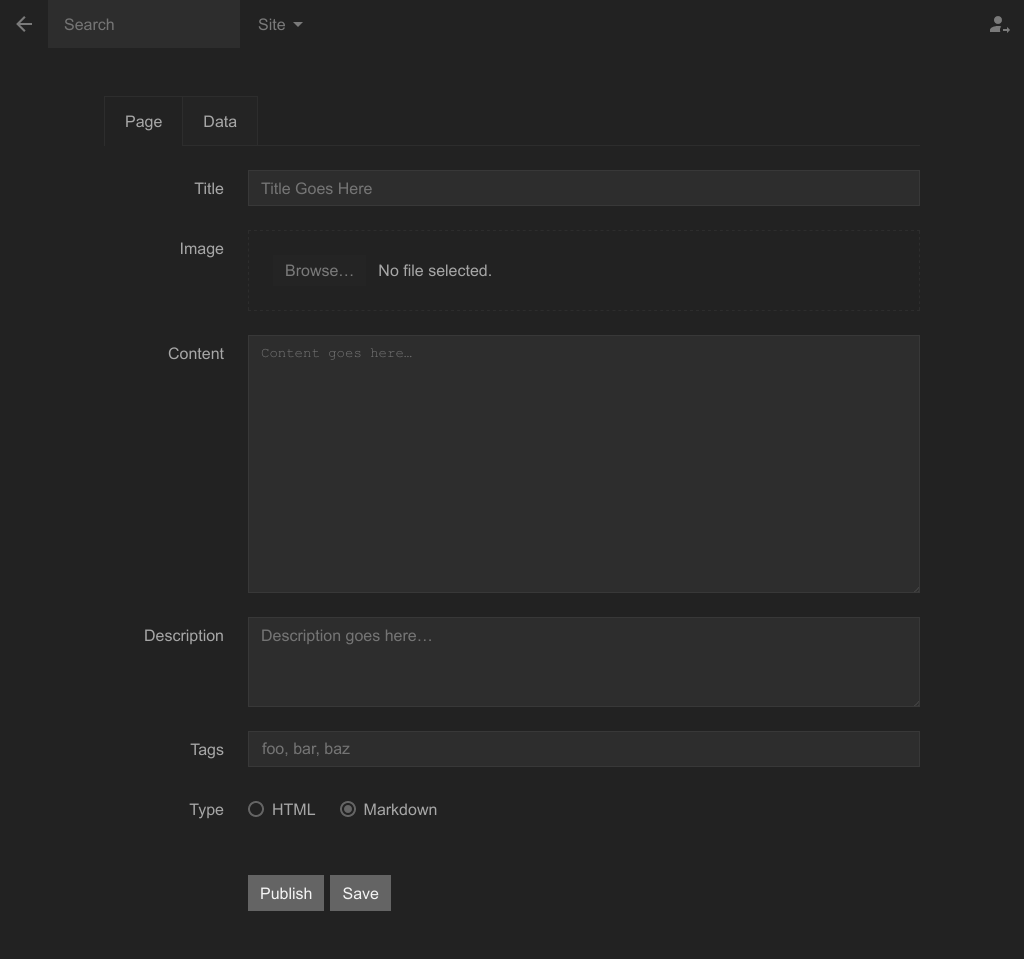
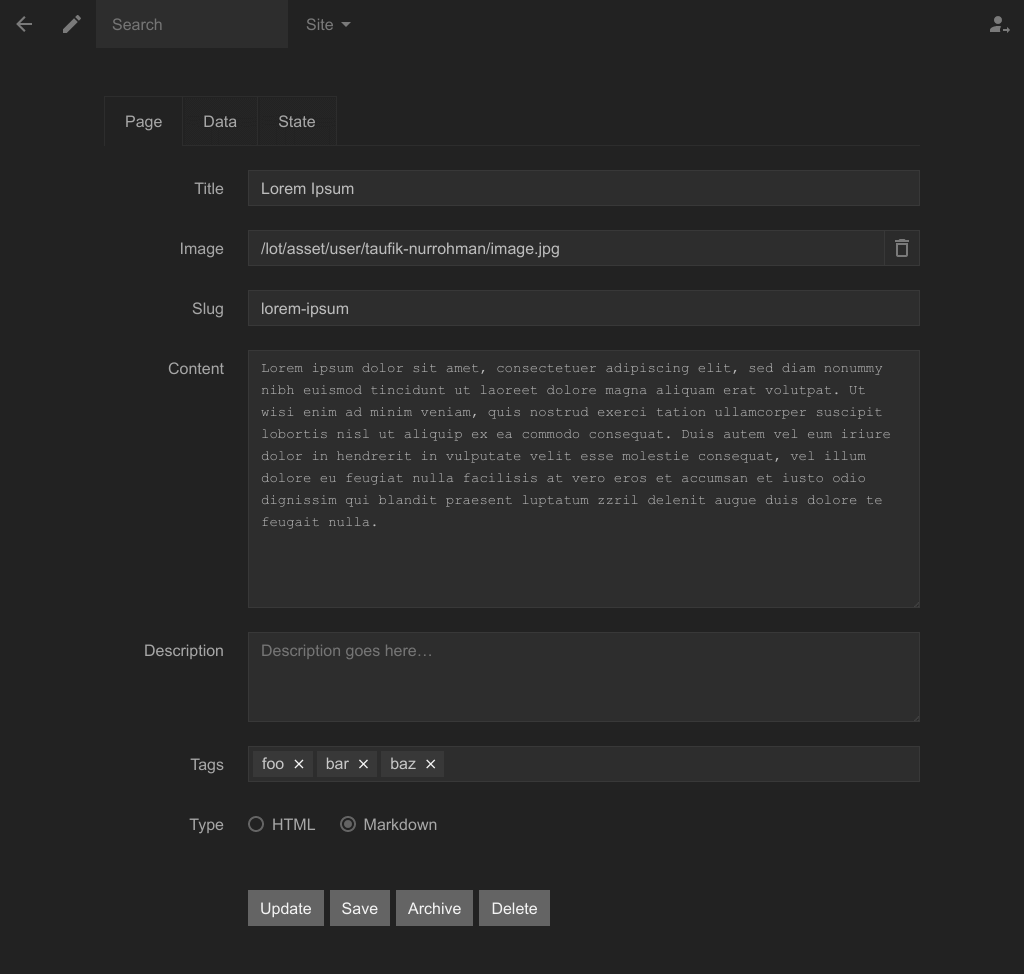
This extension adds a special field to store an image link. It can be displayed as an image uploader field or as a normal URL field depending on certain conditions.
Usage
By default, this field stores the image link as an image data in the page file, so you can print out the image link like so in the layout file:
<img alt="" src="<?= $page->image; ?>">You can use this data as a place to store your featured image link for generic-type web sites, or to store cover image on certain layouts that feature cover images, or to store album cover on music-type web sites, or to store video cover on movie-type web sites, or to be used in any other situation you can imagine.
Customization
// Store the image link as `'cover'` data
State::set("x.panel\\.image.key", 'cover');

// Store the image file to `'.\lot\asset\photos'` folder
State::set("x.panel\\.image.folder", LOT . D . 'asset' . D . 'photos');

// Store the image file to `'.\lot\asset\2022\01\04'` folder (assuming today is 2022-01-04)
State::set("x.panel\\.image.folder", LOT . D . 'asset' . D . date('Y/m/d'));

// Store the image file as `'2022-01-04.jpg'` (assuming today is 2022-01-04 and the image file extension is `'jpg'`)
State::set("x.panel\\.image.name", date('Y-m-d'));

// Force user to fill out the image field to be able to submit the form
State::set("x.panel\\.image.vital", true);

// Disable the image field when user is on the tag page
if (0 === strpos($_['path'] . '/', 'tag/')) {
    State::set("x.panel\\.image.active", false);
}

// Remove the image field when user is on the tag page
if (0 === strpos($_['path'] . '/', 'tag/')) {
    State::set("x.panel\\.image.skip", true);
}

// Store the image link as `'avatar'` data when user is on the user page
if (0 === strpos($_['path'] . '/', 'user/')) {
    State::set("x.panel\\.image.key", 'avatar');
    State::set("x.panel\\.image.title", 'Avatar');
}

// Set image maximum width to be exactly 1024 pixels and maximum height to be exactly 768 pixels
// If one of the two exceeds the maximum limit, image cropping task will be performed
State::set("x.panel\\.image.height", 768);
State::set("x.panel\\.image.width", 1024);

// Set image maximum width and height to be 1024 pixels
State::set("x.panel\\.image.fit", 1024);

// Set image maximum width to be 1024 pixels and image maximum height to be 768 pixels
State::set("x.panel\\.image.fit", [1024, 768]); // … or `['height' => 768, 'width' => 1024]`

// Force to store the image as PNG
State::set("x.panel\\.image.x", 'png');
0 Comments
No comments yet.